Keyword cannibalization is when a website has multiple pages targeting the same topic or keyword, and as a result the two pages compete against each other for search engine rankings and both lose positions. As an SEO, you'll need to spot these occurrences and fix them ASAP to improve the site's visibility.
It's not easy to check for this issue manually, and before now, there was not many tools designed to solve this specific problem. It becomes difficult and exhausting to repeatedly check all of your pages.
If we’re talking about cannibalization on the second page of SERP results or lower, then it might be the exact reason why none of your pages can break into the first page.
At the same time, if you have pages ranking in the first and second positions on SERPs, then it’s not a cause for concern — just maintain your focus on metrics for these pages. Learn more about keyword cannibalization on our blog.
What does the SEMrush Cannibalization report provide?
The list of Keywords for which more than one page was ranking in a given timeframe (and the corresponding site URLs), or
The list of Pages that rank by a number of keywords
Your Cannibalization Health score to track
How to check keyword cannibalization in SEMrush
The first thing you see in the new Cannibalization tab in Position Tracking is your Cannibalization Health score.
A 100% result means that there is no cannibalization for a given scope of keywords in this location.
Using the score, you can track your results after implementing the changes described in "How to fix keyword cannibalization", and include this information when reporting. You can also return to this report after updating old content and make sure that cannibalization hasn’t occurred.
Then, there are two tabs: Keywords and Pages.
View by Keywords
This view offers a list of keywords for which more than one page was ranking in a given timeframe. By clicking on any line, you will get a trend of how the pages were ranking over time.
If the lines are not connected, then you’ll see that this is a ghost page that appears in search results only occasionally.
Tip: Filter by keyword, URL, or Position to speed things up. For example, you can start with pages that miss the opportunity to get to the top because they compete with each other near the end of the first page — use filter by Position #4-10.
In addition, you can sort keywords by any of the table parameters, for example, Difference to quickly respond to a page fall in the results, or Volume to get started with the most popular keywords.
View by Pages
This view shows a list of URLs that rank by a number of keywords. By clicking on the line, you can see the list of keywords and analyze whether the page is relevant for all of them. If it’s not, you might want to make sure that the relevant page does exist and check its ranking using the Pages tab.
Similar functionality is implemented in Organic Research, where for any keyword of a searched domain you can see all competing pages and a trend over time.
The difference is that Organic Research will show all pages that rank in the Top 100 by any keywords on a national level, while Position Tracking will show those pages that cannibalize by your custom keyword list in a specific location, down to state/region, city, or zip code.
How to fix keyword cannibalization
You now have an understanding of which pages cannibalize others — so what do you do next?
Consider the option of combining two pages into one and don’t forget to use the 301 redirect.
Analyze which page is more relevant to the keyword and which more accurate query may correspond to the less relevant page.
Decide how you can edit the content to better fit different requests.
Upload both pages with their corresponding unique keywords to the On Page SEO Checker tool and follow the recommendations.
If you want to keep similar pages but let Google know which one to rank, use rel=”canonical”.
We’d be happy to hear your thoughts about this new functionality at [email protected].
About Semrush
Semrush is a leading online visibility management SaaS platform that enables businesses globally to run search engine optimization, pay-per-click, content, social media and competitive research campaigns and get measurable results from online marketing. Semrush offers insights and solutions for companies to build, manage, and measure campaigns across various marketing channels. Semrush, with over 91,000 paying customers, is headquartered in Boston and has offices in Philadelphia, Trevose, Austin, Dallas, Amsterdam, Barcelona, Belgrade, Berlin, Limassol, Prague, Warsaw, and Yerevan.
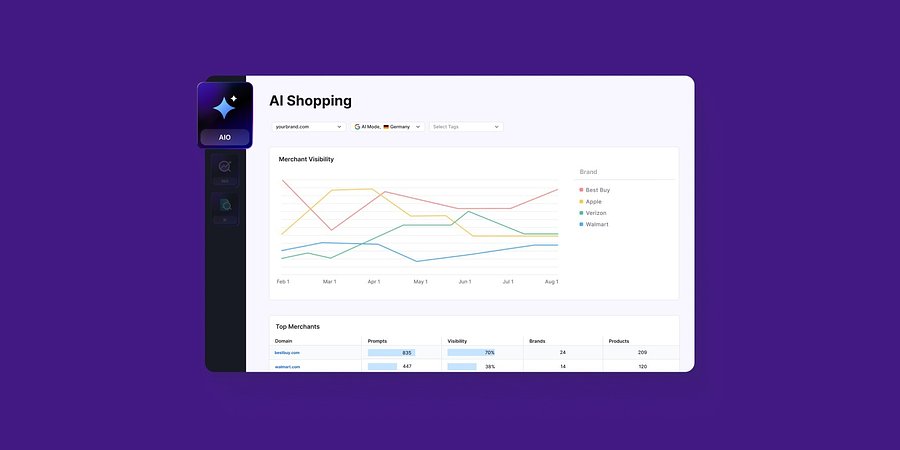
Enterprise AIO Extends AI Shopping Report Across ChatGPT and Google AI Mode
Semrush Enterprise AI Optimization’s (AIO) AI Shopping report now delivers unified merchant and product-level insights across both AI shopping experiences.
Product News
March 6, 2026
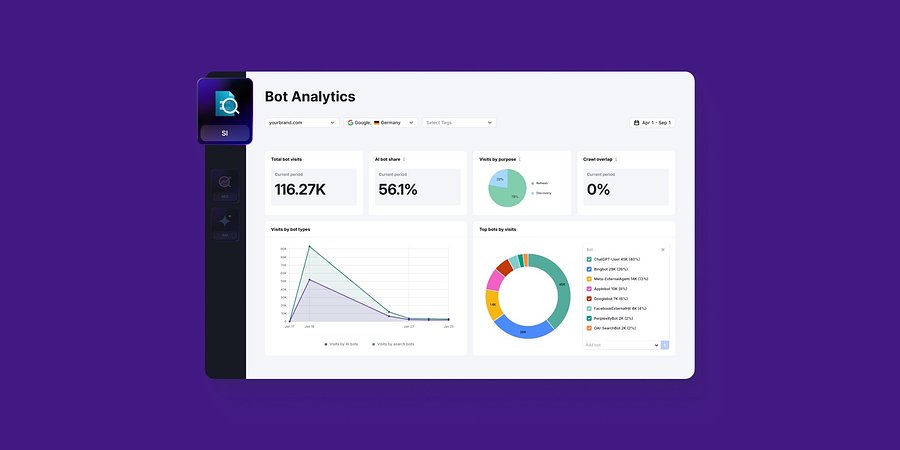
Semrush Enterprise Adds Log File Analysis to Site Intelligence and AI Optimization
New Bot and Agent Analytics capabilities give teams clearer understanding of how search engines and AI crawlers interact with their websites, unlocking new visibility opportunities.
Product News
February 2, 2026
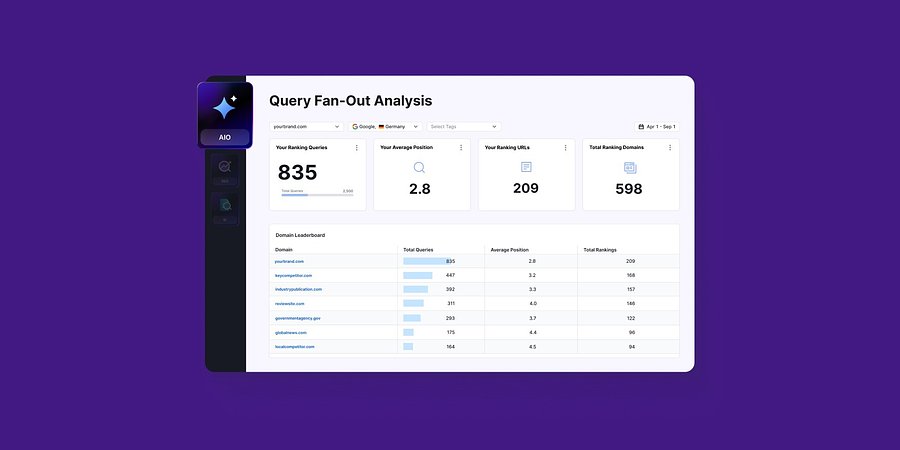
Query Fan-Out Analysis Comes to Semrush Enterprise AI Optimization, Revealing the Search Signals Behind AI Responses
New capabilities identify the background queries made by AI models, which are run through search engines. This helps brands identify further terms to target for AI visibility and align their SEO and GEO strategies